What is RCSpotter?
PublicRCSpotter is a worldwide map of RC flying clubs and fields. See who's checked in, log flights, manage your hangar, and — when you're a club member — open your club lounge with weather and field tools.

Task-based guides for the RCSpotter you have today — map, check-in, hangar, logbook, club lounge, Field Ops, and VOLMET weather.
RCSpotter is a worldwide map of RC flying clubs and fields. See who's checked in, log flights, manage your hangar, and — when you're a club member — open your club lounge with weather and field tools.
The Free tier includes the map, hangar (up to 250 aircraft), unlimited logbook, pre-flight checklists, and Club Lounge for full members. VOLMET weather is a verified-club perk — not a pilot upsell.
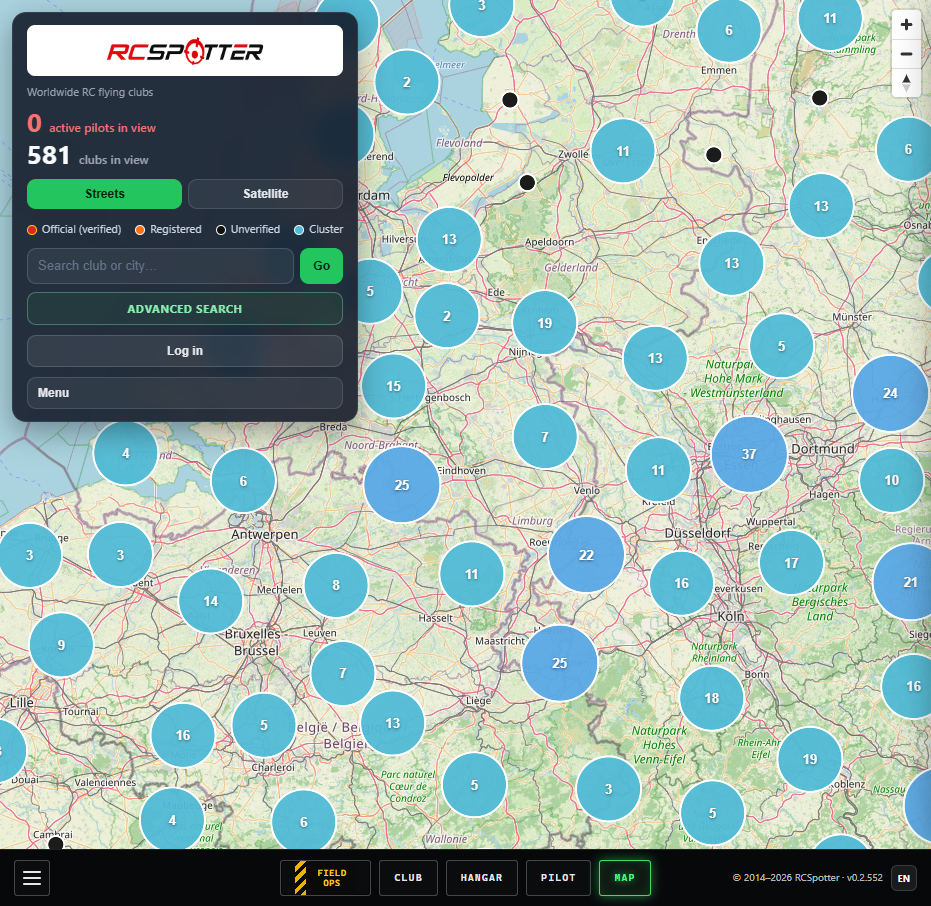
Search by club or city, tap Go, and zoom to the field. Pin colours show verification: red = official verified, orange = registered, white ring = unverified. Blue circles are clusters — zoom in to see individual clubs.
Use the bottom dock (Field Ops · Club · Hangar · Pilot · Map) or the ☰ menu for everything else.
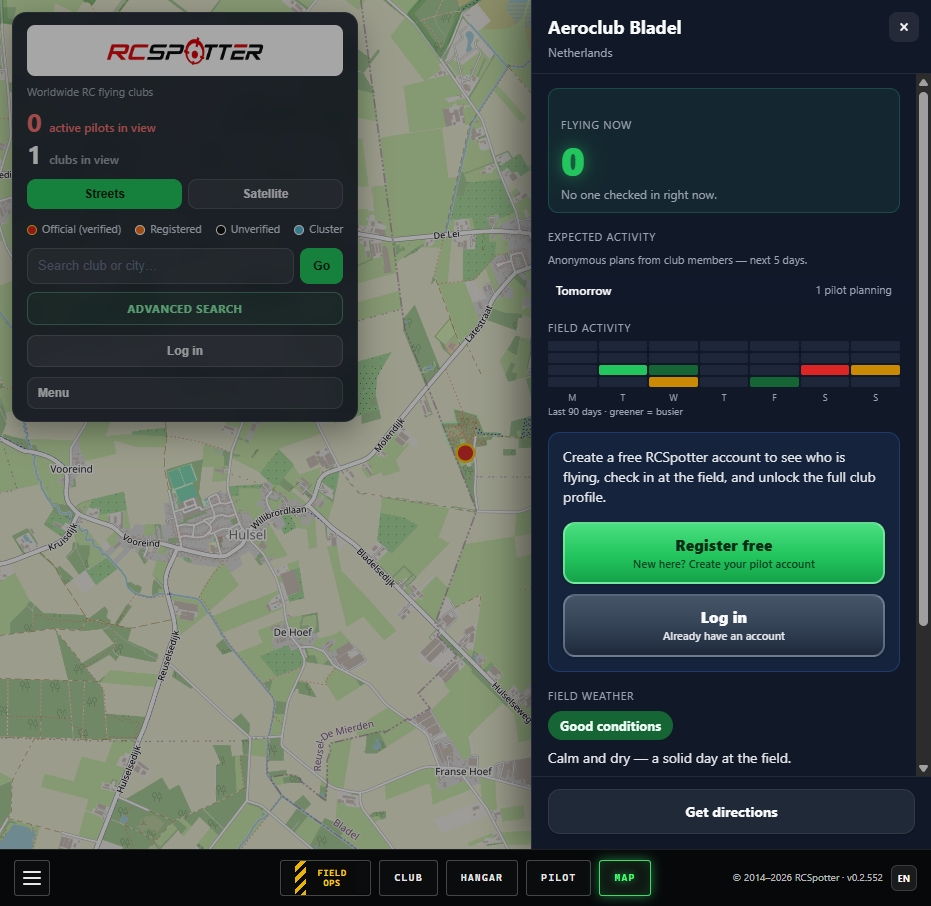
Tap a club pin to open the side drawer: Flying now, expected activity (anonymous counts), field activity heatmap, weather snapshot, and directions. Sign in to check in and see more detail where your club allows it.
Filter by name, your GPS location, place + radius, or verified clubs only. Results open on the map with the club drawer.
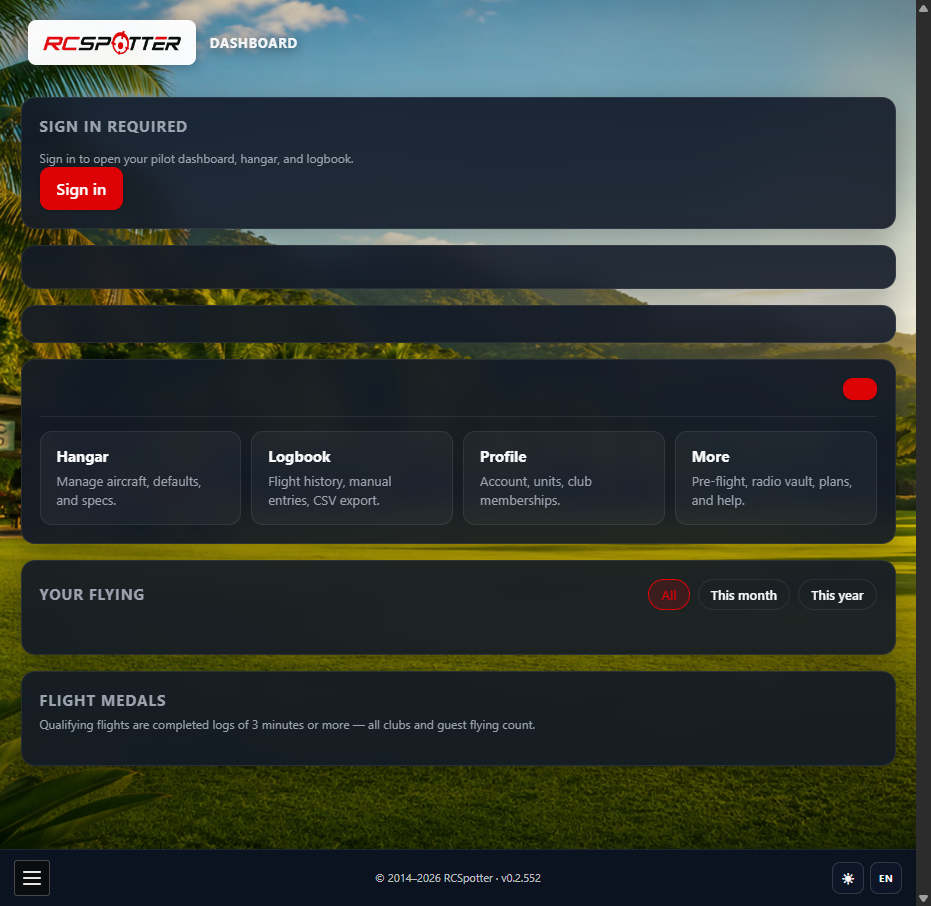
On the map, tap Log in then switch to Register. Choose your language, username, and password. Verify your email when prompted — then you can check in, use Field Ops, and join a club.
Search for your club, tap Ask to join this club, and wait for a steward to approve. Full membership unlocks Club Lounge and VOLMET (when your verified club offers it).
This is not for adding a new club — officers should use Add missing club on the map instead.
Field Ops is your day-at-the-field hub (yellow hazard stripe in the bottom dock). Check in manually or via geofence, see club weather, START/STOP flight logs, and jump to hangar or logbook.
Open it from the dock, the map club drawer, or ☰ menu → Field Ops.
Check in from Field Ops when you arrive. Others see counts on the map; Supporter/Pro pilots can show their username at the field when enabled in profile.
Clubs with a geofence may offer automatic check-in when you enter the field area (see club admin → Check-in area).
Your home base for flying stats, medals, and quick links to hangar, logbook, and profile. Tap More for flight planner, pre-flight, Radio Manager, and plans.
Add aircraft with specs and photos in Hangar. Your first model becomes the default for check-in and logging.
Use Logbook for flight history — START/STOP from Field Ops, or manual entries on Pro. Export CSV/Excel on Pro.
Open Club in the bottom dock (or ☰ → Club lounge). You'll see current weather, runway hint, afternoon outlook, live roster, planned field days, and club stats.
Action buttons below the weather row: Full VOLMET briefing, Flight planner, and Club admin (stewards only).
Flight planner — two taps to plan a field day up to 5 days ahead. Members may see names when pilots opt in (Profile → planned field days).
VOLMET — full-screen club weather briefing for verified clubs. Hobby RC only — not for manned aviation. Map visitors see anonymous plan counts only.
Stewards open Club admin from the lounge or ☰ menu. Tabs: Dashboard, Lounge content (news & safety bulletins), Members, Stewards, Club profile, and Check-in area (geofence).
New clubs: officers claim the listing, complete verification, then approve join requests.
Questions, bugs, club listing issues, or billing — send a message. Signed-in pilots and stewards get topic categories.
Forgot your password? Use the link on the map login form or open the reset page directly.